 Capital
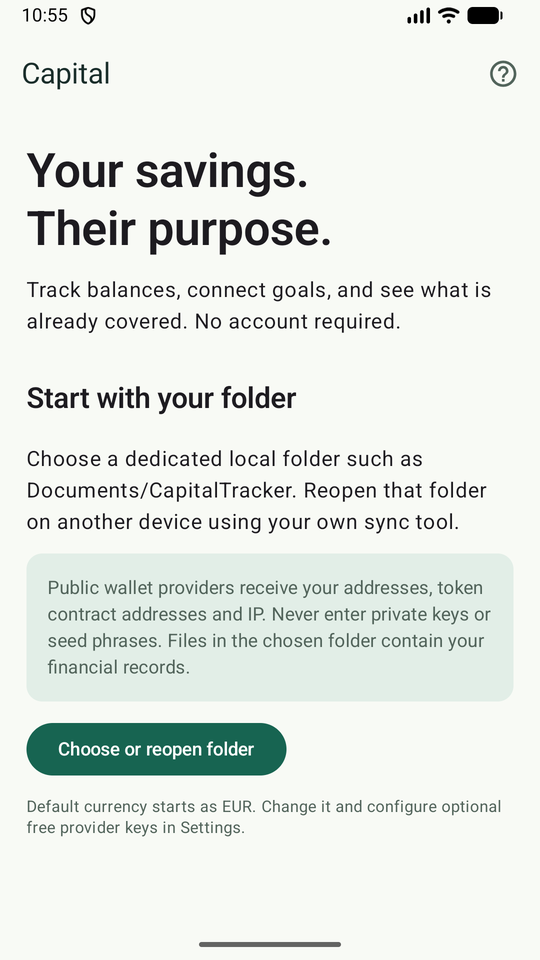
Start screen
What it is. The first screen after installation, and the screen you see whenever the app has no folder to work with. Nothing is stored yet.
How it works. Capital keeps every record in one folder on your device and never anywhere else. Press Choose or reopen folder and pick a dedicated folder in Android’s folder picker, for example Documents/Capital. A folder that already contains Capital files opens directly, so the same button reconnects your data after a reinstall or on a second device that receives the folder through your sync tool.
Before you choose:
- The warning box says what leaves the device: public wallet addresses, token contracts and your IP address go to the data operators you pick later in Settings. Never enter private keys or seed phrases anywhere in the app.
- The default currency is EUR. Change it in Settings after the folder is open.
Buttons at the top. ? opens this documentation in the app language. Refresh and Settings appear once a folder is open.
Next: Overview · Manual: First launch